Back to Gallery
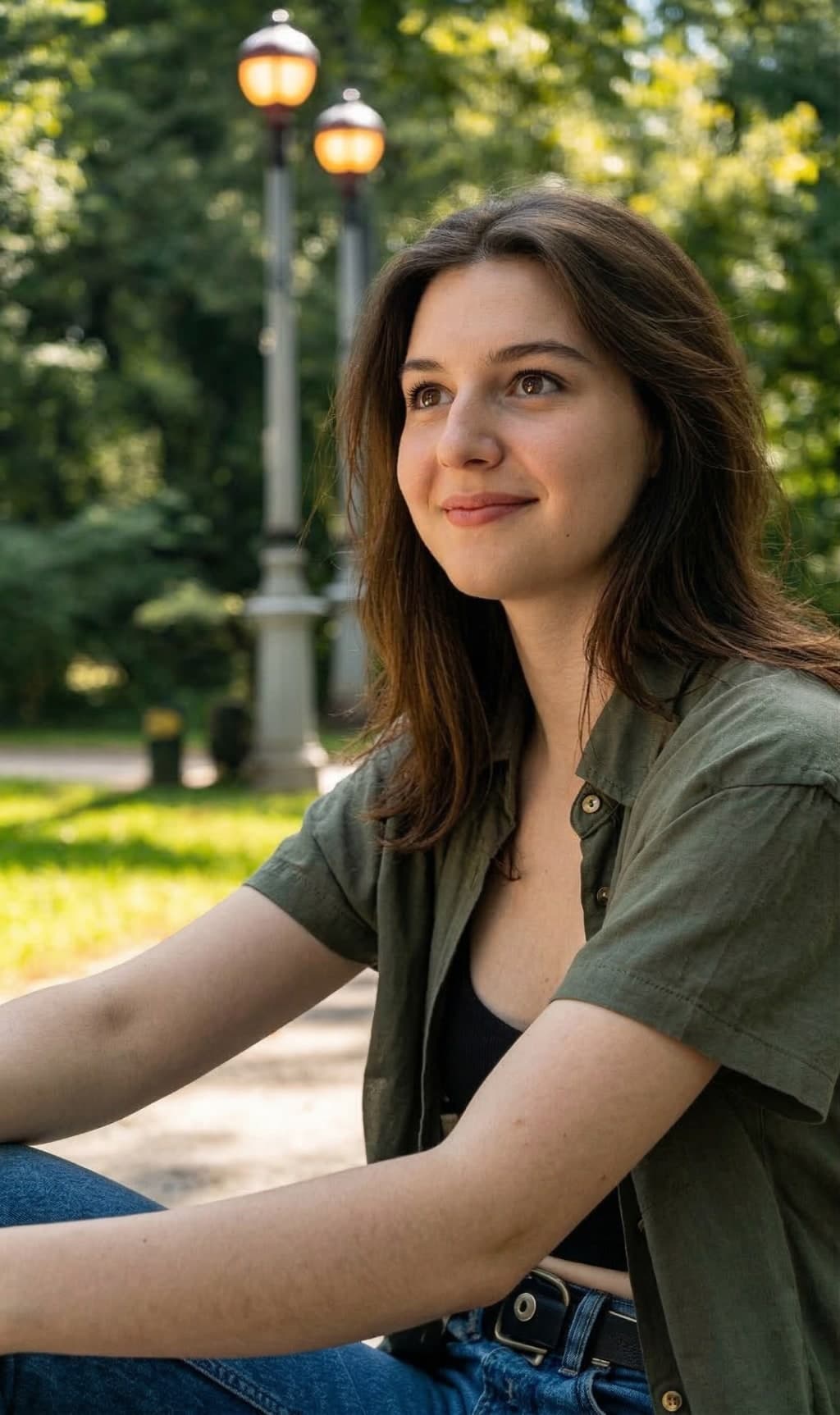
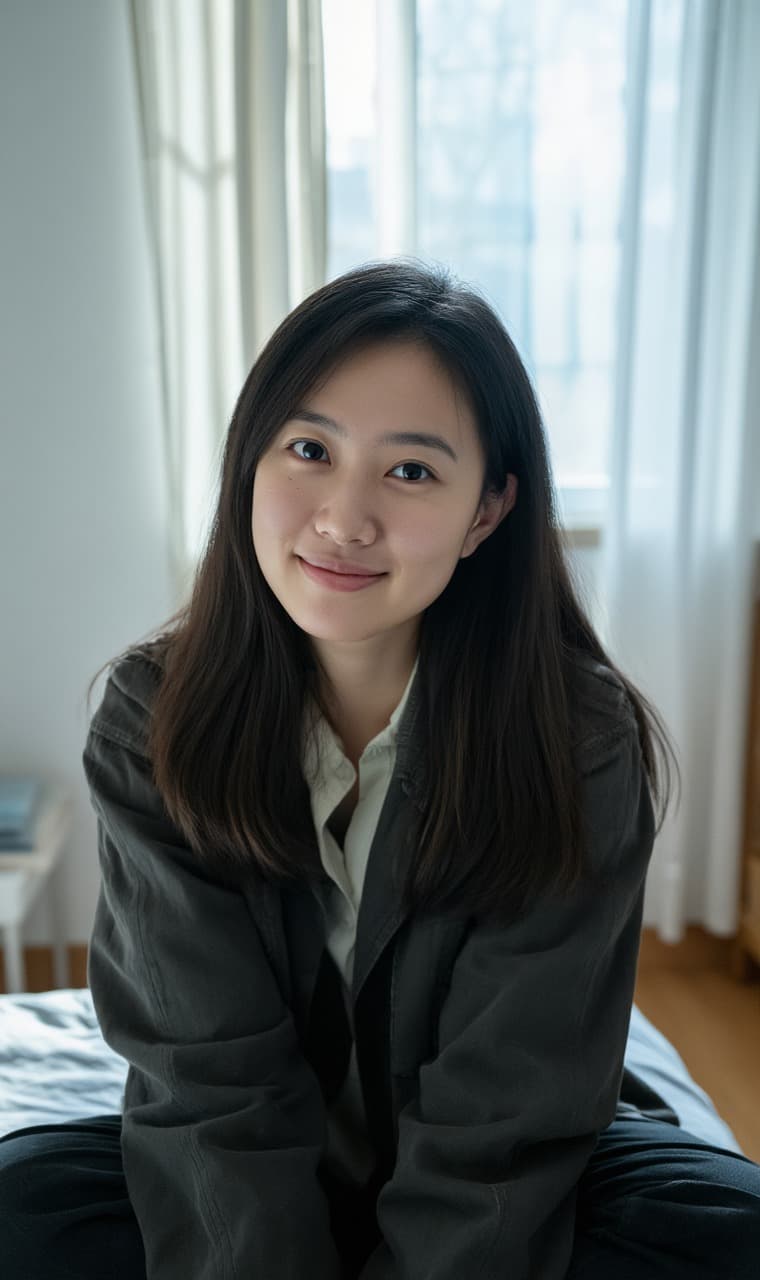
Before
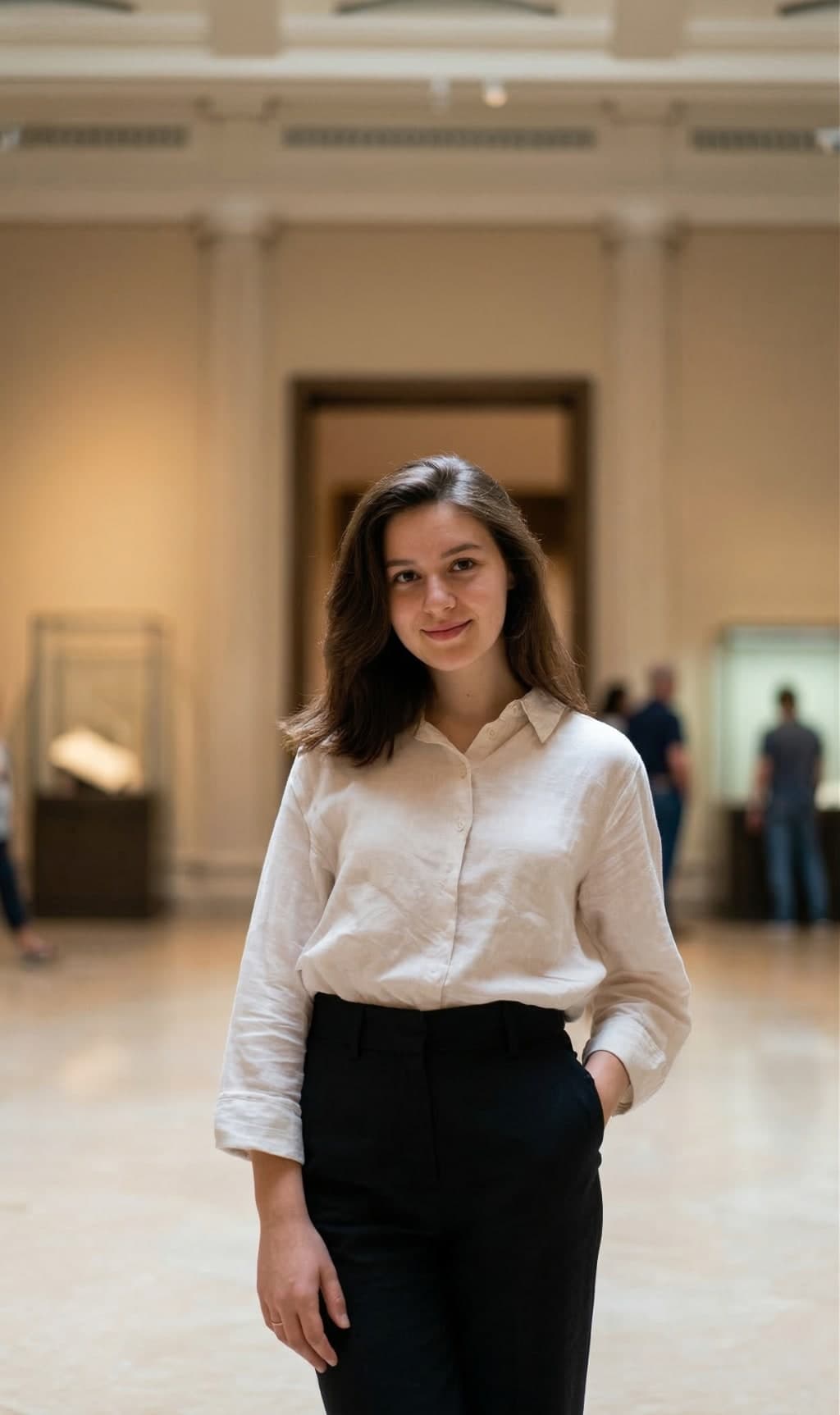
ORIGINAL
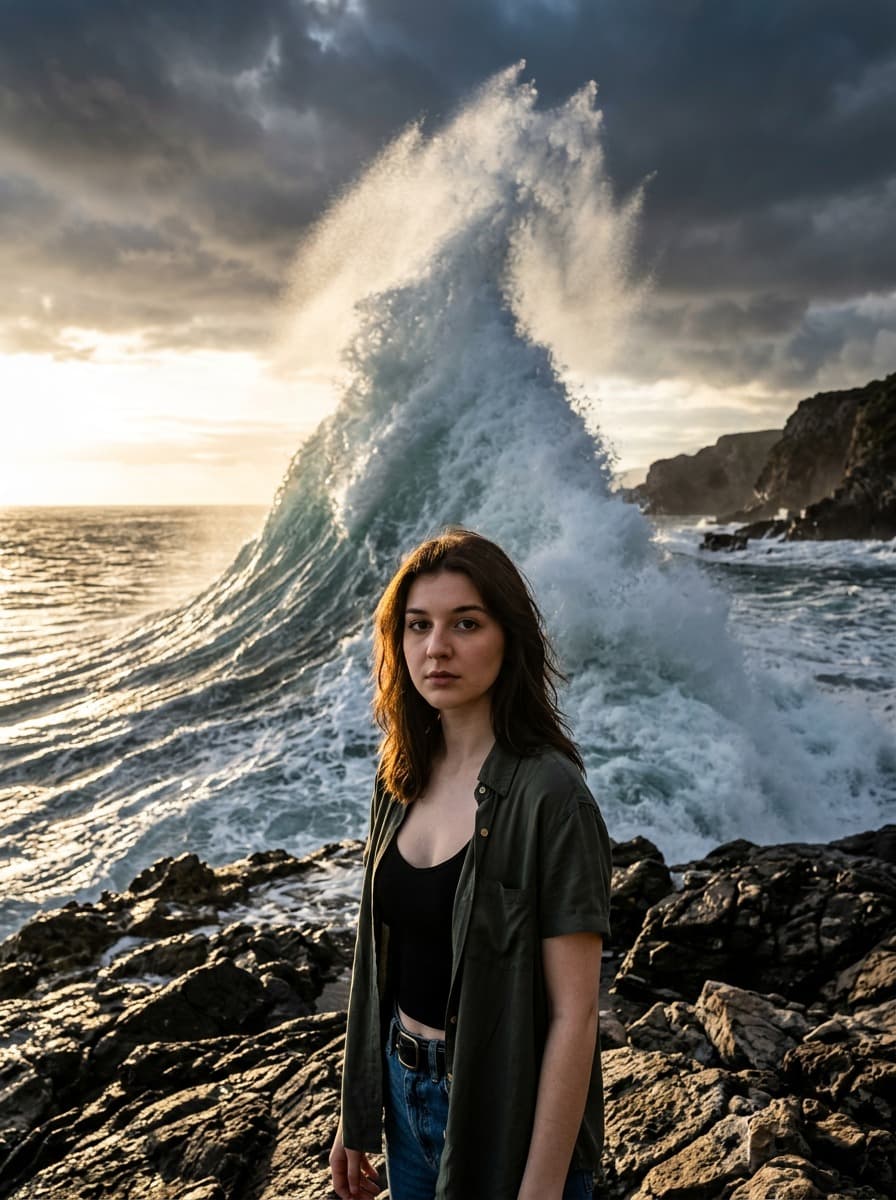
After
RESULT
Hover to see original

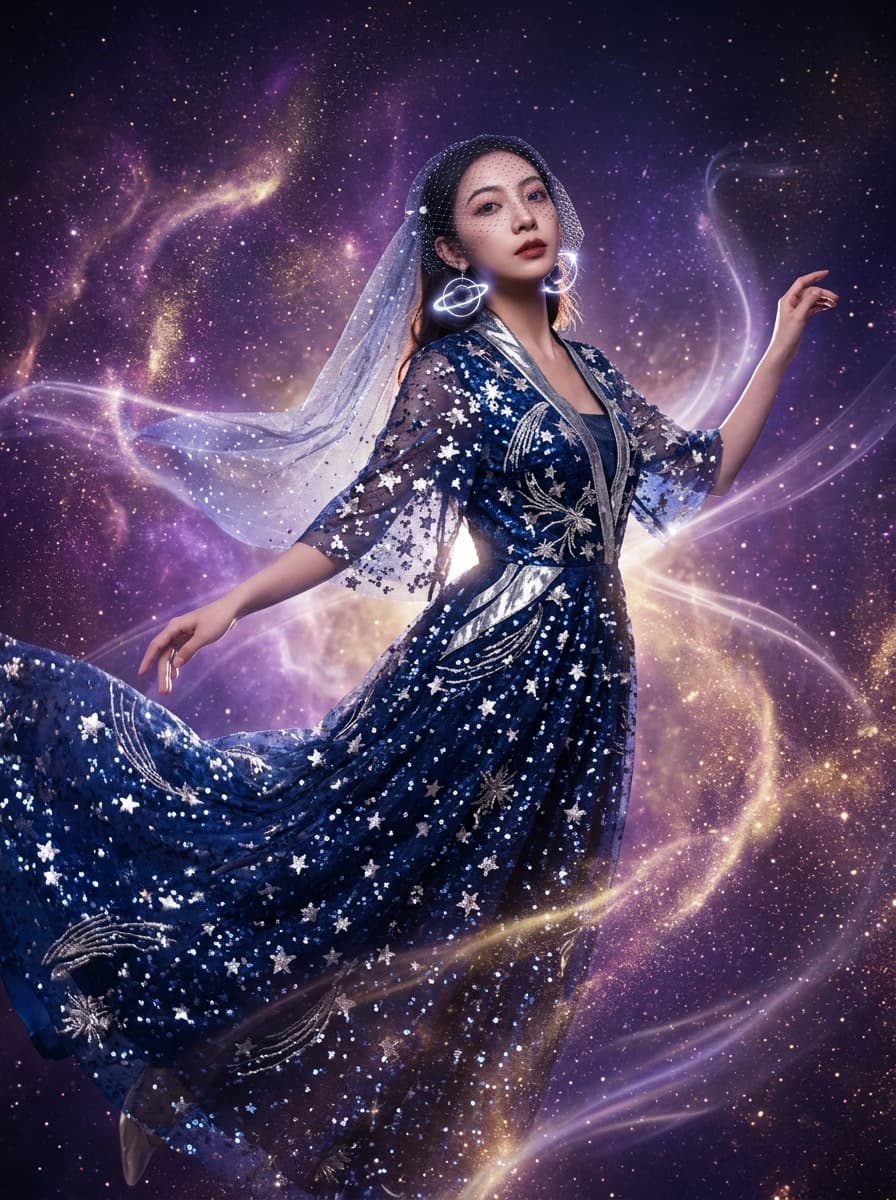
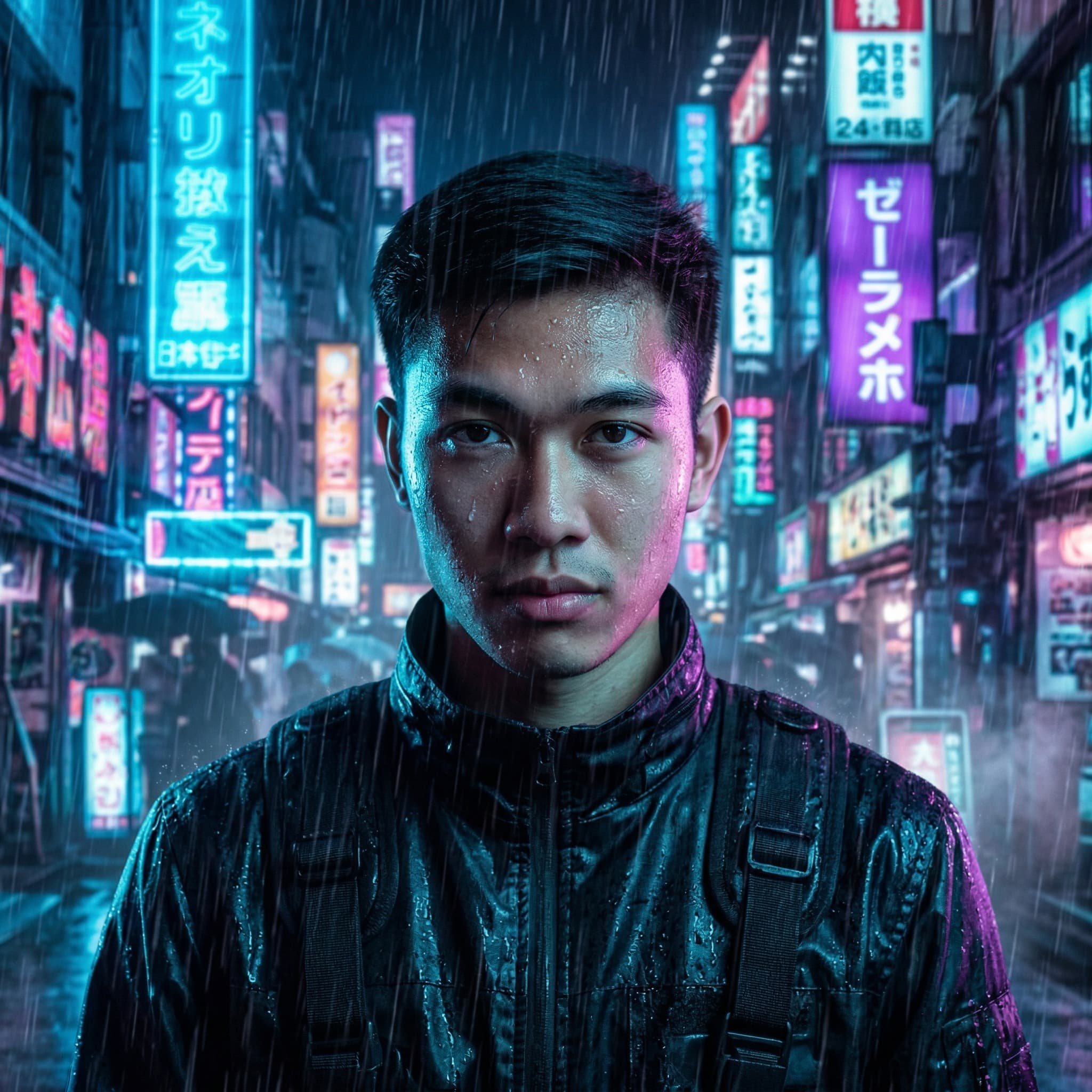
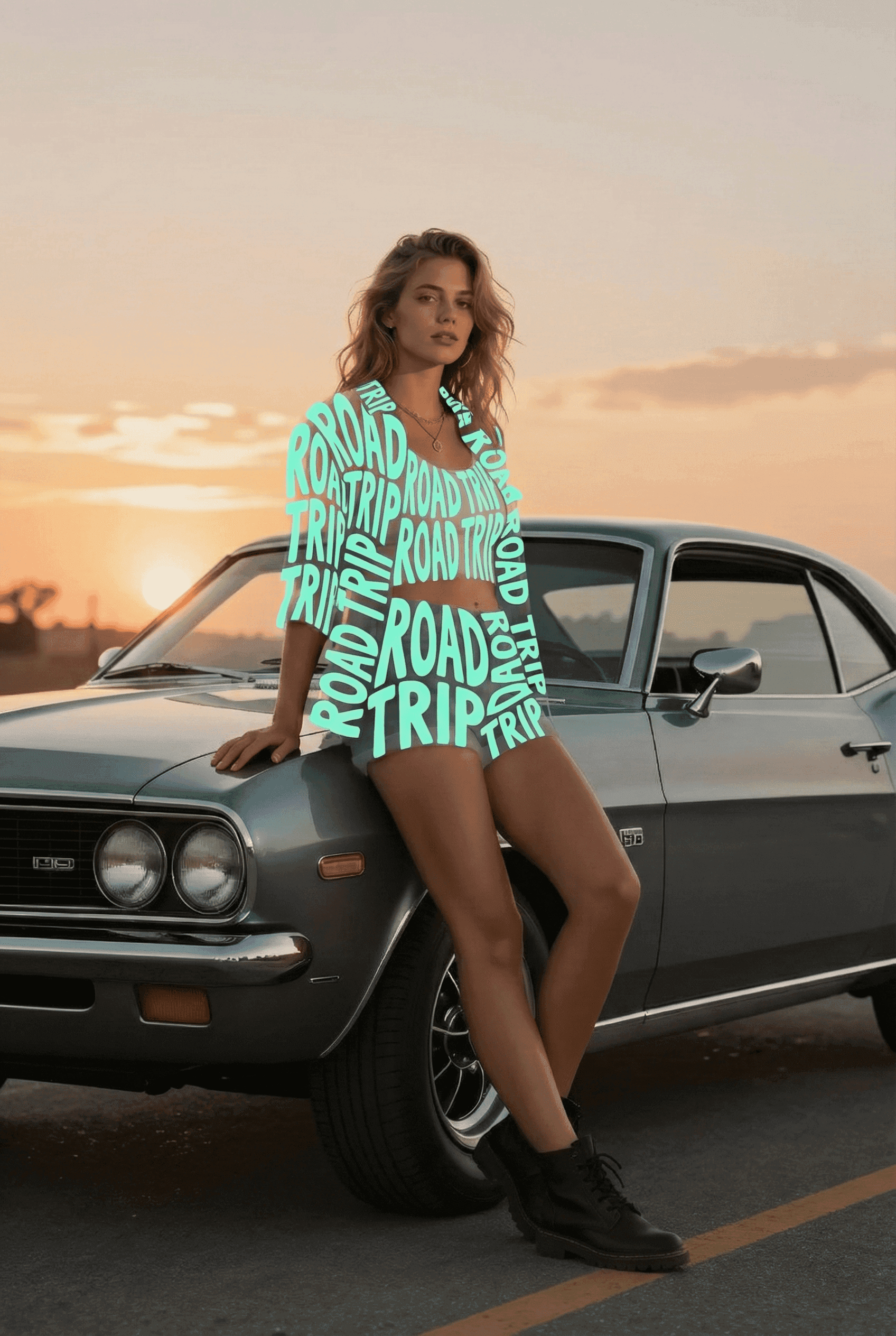
Typographic Fashion

Text-Only Outfit Effect 🅰️

Prompt

{   "version": "1.2",   "description": "Photorealistic removal of clothing and replacement with a transparent typographic garment made only of flat-colored letters, using a clean-plate background and compositing. Text colors are explicitly provided as variables (no automatic color sampling).",   "variables": {     "YOUR_TEXT": {       "type": "string",       "value": "<<YOUR_TEXT>>",       "default": "TYPE",       "description": "The text used to build the typographic garment. It will repeat, warp, rotate and fill the clothing silhouette."     },     "GARMENT_MAIN_COLOR": {       "type": "string",       "value": "#7fffd4",       "description": "Hex color for all garment letters if there is only one clothing piece (e.g., a dress or hoodie). Example: #FFFFFF for white, #FF7AA5 for pink."     },     "GARMENT_TOP_COLOR": {       "type": "string",       "value": "#7fffd4",       "description": "Hex color for the top garment letters (e.g., hoodie/shirt). Only used if there is a separate top."     },     "GARMENT_BOTTOM_COLOR": {       "type": "string",       "value": "#000000",       "description": "Hex color for the bottom garment letters (e.g., shorts/skirt/pants). Only used if there is a separate bottom."     }   },   "steps": [     {       "name": "STEP_1_CLEAN_PLATE_BACKGROUND",       "goal": "Remove the person completely and reconstruct a perfectly photorealistic background as if the person was never there.",       "instructions": "Using the uploaded photo, completely remove the person from the image. Inpaint the area they occupied, reconstructing the background behind them with perfect photorealism that matches the original environment. Extend all environmental elements naturally — ground, floor tiles, asphalt, buildings, cars, signs, sky, trees, walls, indoor furniture, or any other background objects depending on the scene. There must be no remaining silhouette, no blur, no cloning patterns, and no smudging. The result of this step must look like the original photo was taken with no person in it at all."     },     {       "name": "STEP_2_COLORED_TYPOGRAPHIC_GARMENT_LAYER",       "goal": "On the original photo, replace all clothing with a flat-colored typographic garment over chroma green, with full transparency between letters.",       "instructions": "Return to the original photo with the person present. Elements that must remain unchanged: - keep the face, skin, eyes, hair, makeup, and body shape completely photorealistic - keep the person’s pose, limb positions, and the original lighting and shadows on the skin - keep all non-clothing objects such as bags, accessories, jewelry, and props untouched - keep the background intact Modify ONLY the clothing: - remove all original fabric information from every garment: delete texture, folds, seams, wrinkles, shading, logos, and printed graphics - the clothing must no longer look like fabric in any way Replace each garment area with a new garment made only of flat hand-drawn text. TEXT CONTENT: Fallback rule: - If [YOUR_TEXT] is empty, missing, or still a placeholder like \"<<YOUR_TEXT>>\", use the default text: TYPE Use the following content as the base text for the garment: [YOUR_TEXT] Repeat, rotate, scale, warp, and curve these letters as needed so they densely fill the entire silhouette of each garment. COLOR RULES (NO SAMPLING, USE PROVIDED COLORS): - If there is only one continuous garment (for example, a single dress or one hoodie), use GARMENT_MAIN_COLOR as the flat fill color for all letters. - If there is a clearly separate top and bottom:   * use GARMENT_TOP_COLOR for all letters in the top garment area (hoodie, shirt, jacket, etc.)   * use GARMENT_BOTTOM_COLOR for all letters in the bottom garment area (shorts, skirt, pants, etc.) - Letters must be filled with a single flat color per garment region. - Absolutely no gradients, no highlights, no shadows, no fabric textures may be added to the letters. Typography style: - letters must appear as flat graphic shapes (not fabric) - slightly irregular stroke width is allowed so they feel hand-drawn - letters may curve to follow the body’s form, but color must remain perfectly flat. Transparency and chroma key rules: - every area inside the garment that is NOT covered by a letter must be pure chroma green (RGB 0,255,0) - do NOT leave any gray, black, or residual fabric color under or between letters - there must be absolutely no shading, folds, highlights, or fabric texture under the letters - the result of this step should look like the person is wearing a garment made of a dense mesh of flat-colored letters floating over solid chroma green, with no other fill color present."     },     {       "name": "STEP_3_FINAL_COMPOSITE_WITH_CLEAN_PLATE",       "goal": "Composite the typographic garment person over the clean background so the real environment shows through the gaps between letters.",       "instructions": "Take the result from STEP 2 and key out all pure chroma green (RGB 0,255,0) so that these regions become fully transparent. Then place this keyed image of the person with the typographic garment onto the clean-plate background produced in STEP 1. Align the person perfectly with their original position and camera perspective so that the integration is seamless. Through all gaps between the letters, the reconstructed real background from STEP 1 must be clearly visible. Do not introduce any artificial flat color where transparency should reveal the environment. Recalculate natural cast shadows from the person onto the ground, walls, or nearby objects, but base the shadow shape on the current body and garment silhouette, not on the original clothing. Match light direction, softness, intensity, and noise/grain with the original photo. The final composite must be fully photorealistic: - the person remains realistic and unchanged except for the garment - all original fabric, seams, wrinkles, and clothing shadows are gone - the garment is now entirely formed by flat colored hand-drawn text - the real environment is visible in the transparent gaps between letters - there are no green artifacts and no signs of the original clothing."     }   ],   "final_goal": "Produce a single photorealistic image where the person appears to be wearing a garment made only of flat colored letters, with the true scene behind them visible through all gaps between letters, and no trace of the original clothing or its shadows." }

Buy me a coffee

Recommended Prompts

NEW
Luxury Christmas Overlay - Before
Before
Luxury Christmas Overlay - After
After
Fashion
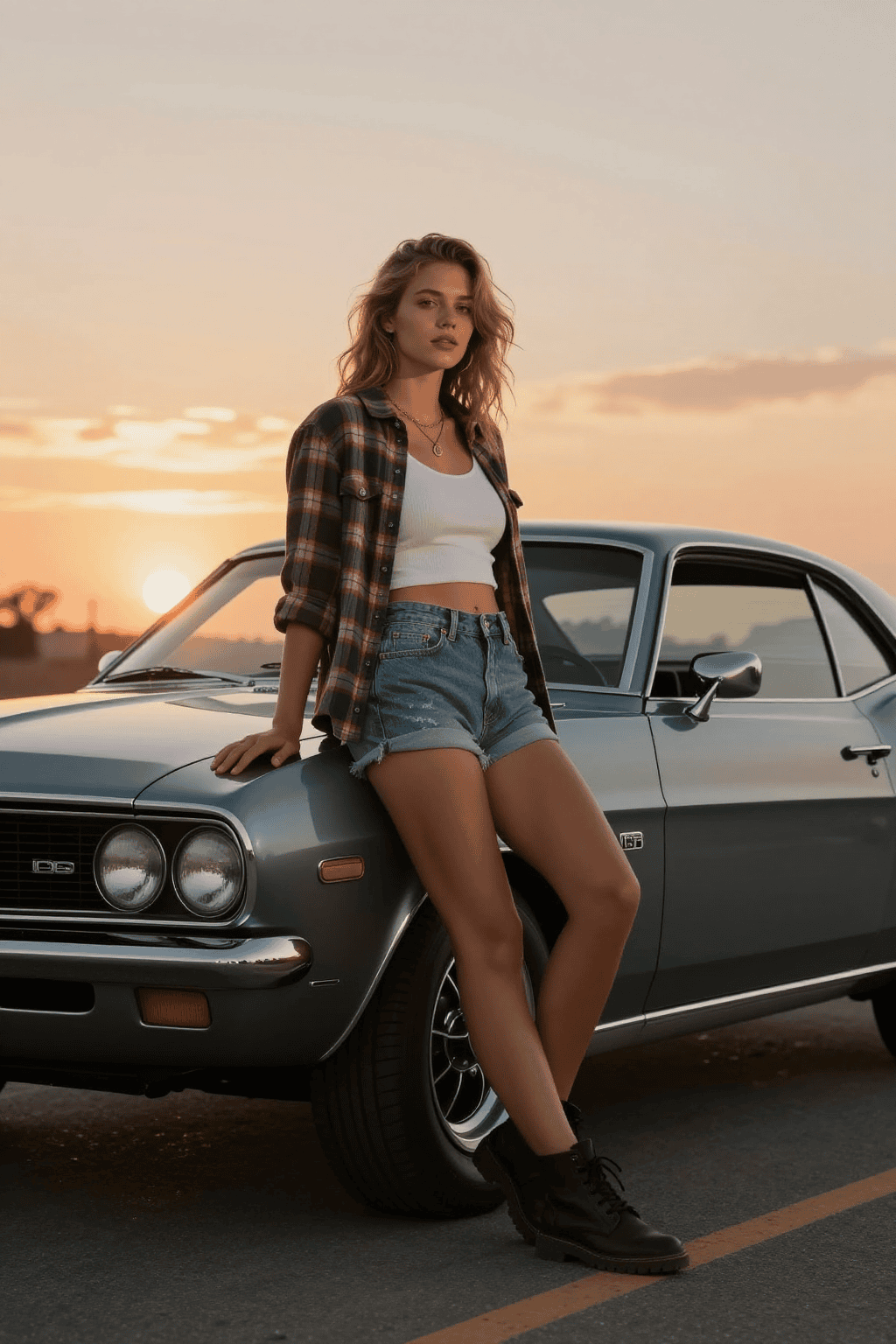
Luxury Christmas Overlay

Gold Line Art Deco ✨

Use the uploaded photo as the base. ABSOLUTE RULES (important) Do NOT convert the image to black and white. Do NOT change any colors of the original photo. Do NOT alter the person’s face, skin, hair, makeup, clothing, lighting, or background. Do NOT add any filters, texture changes, color grading, or desaturation. Only add line-art on top of the existing full-color photo. GOAL Create a high-fashion Christmas editorial look by adding elegant hand-drawn Christmas line-art decorations ON TOP of the full-color photograph. LINE-ART STYLE Thin, clean, hand-drawn outlines only No fill color, no shading Stroke color must be golden lines (Auto-select whichever has best visibility) Slight organic wobble to mimic real ink/pen Line-art must appear drawn onto the photo, not replacing it CHRISTMAS DECORATION RULES 1. Decorations on the person (but not covering eyes, nose, or mouth) Add subtle line-art such as: Santa hat outline placed naturally on the head Santa beard outline (small, elegant, optional) Holly leaves & berries drawn along the hair or collar Small stars or sparkles on clothing contours Snowflake outlines on sleeves or pants 2. Integrated into clothing and hair Flowing poinsettia outlines following fabric folds Mistletoe, holly branches Candy cane stripes outlined on arms or shoulders 3. In the background (perspective-aware) Draw line-art of: Christmas tree outline Wreath outline Garland or string lights following wall perspective Gingerbread man outline Hanging ornaments, bells, ribbons Candy canes, snowflakes, twinkling stars Placement must: Respect background depth Wrap around objects realistically Never obscure the person’s face INTEGRATION All line-art must float cleanly on top of the existing photo Do NOT blend, repaint, recolor, or modify the underlying pixels Do NOT desaturate or recolor the original image The result must look like someone carefully drew golden and black Christmas doodles on a glossy magazine photo FINAL OUTPUT A full-color photograph with tasteful, high-fashion, hand-drawn Christmas line-art decorations overlayed on top, while the original colors, textures, and lighting remain 100% untouched.
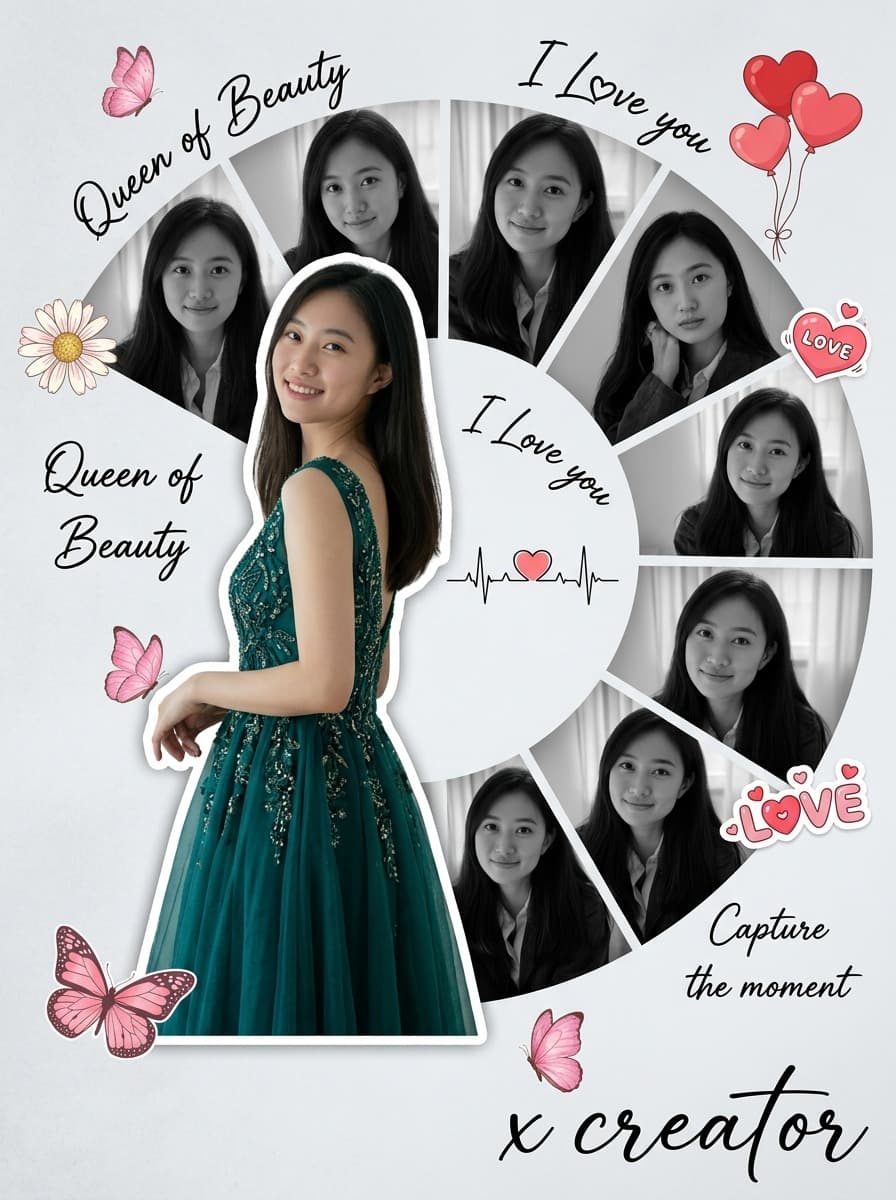
📝 My Bio Scrapbook - Before
Before
📝 My Bio Scrapbook - After
After
Social Media
📝 My Bio Scrapbook

Cute Editorial Notes & Sticker Vibes 🎀

Add messy red handwritten Japanese comments, expressive doodles, and energetic editorial-style notes directly on top of the image, as if written with a red marker over printed photos. The handwriting should feel spontaneous, unfiltered, emotional, slightly chaotic, and personal—almost like someone’s private photo journal or annotated scrapbook page. All handwritten text must: – be in Japanese – appear hand-drawn, uneven, casual, and overlapping – be positive in tone The content of each handwritten note must automatically analyze the uploaded image and praise the woman based on what is visible, such as her outfit, expression, pose, styling, makeup, or mood. The comments should feel affectionate, admiring, or supportive, and tailored to what stands out in the photo. Do not repeat generic praise. Instead, generate unique personal compliments that match the image attributes. Examples must NOT be shown explicitly in the prompt. Instead, describe the logic: “The system should observe the clothing style, face, mood, posture, accessories, or color choices and produce handwritten comments that positively highlight what is visually appealing or admirable about her.” Also add: – arrows pointing to notable fashion details – underlines beneath interesting areas – circled elements – crossed-out planning notes like editing marks – layered cut-and-paste collage scraps (magazine style) – small torn paper labels – sticker-like notations – tape-texture fragments Overall direction: Create a visually intense scrapbook-journal composition, filled with affectionate handwriting, red editorial markings, and collage fragments, giving the entire image an emotional and expressive “personal praise commentary” aesthetic.
NEW
Ultra Wide Angle Edit - Before
Before
Ultra Wide Angle Edit - After
After
Photography
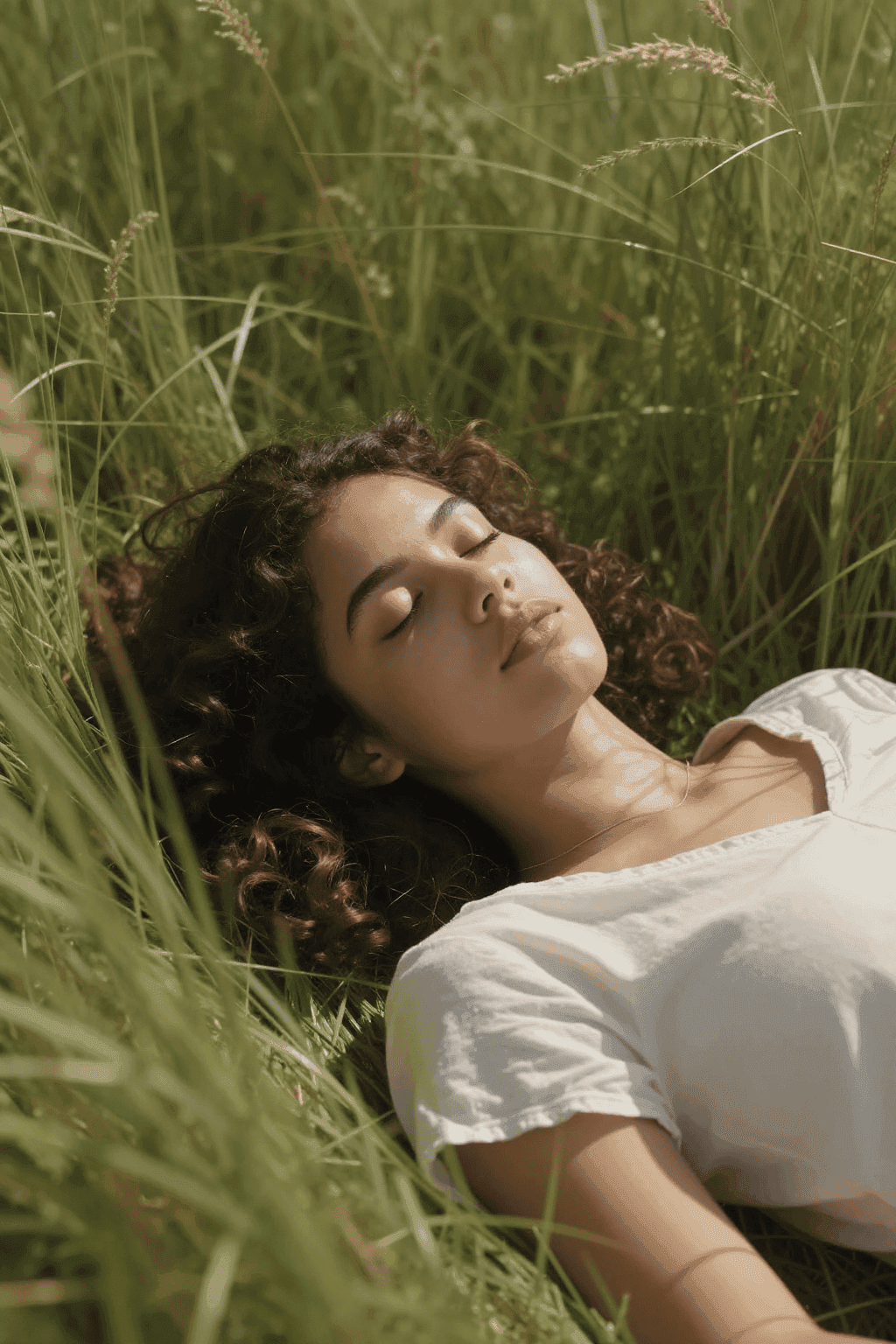
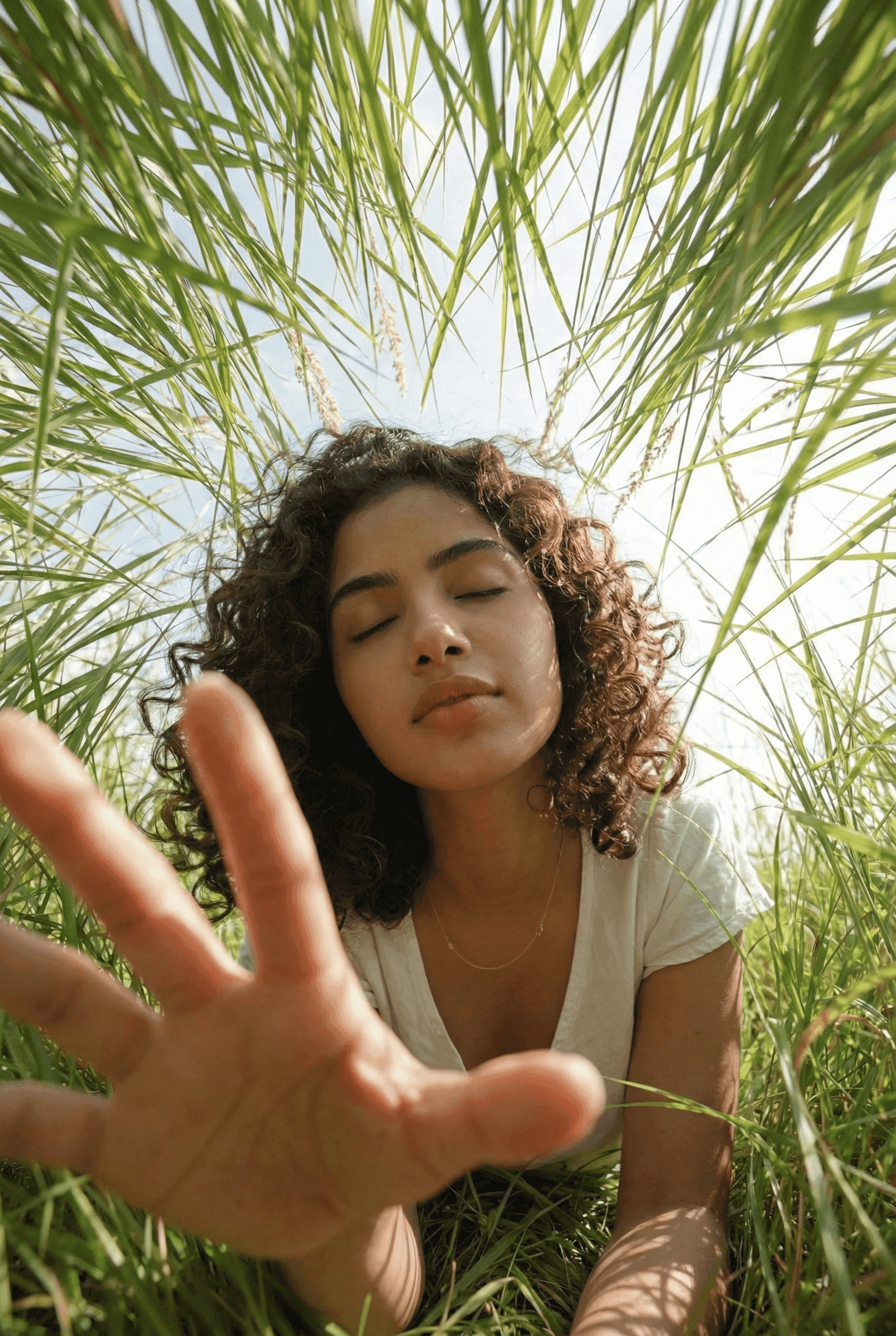
Ultra Wide Angle Edit

Dynamic Street Perspective 👟

Extreme wide-angle perspective and dynamic pose remix edit. This is an EDIT of the original image, not a new character. Use the original image as a strict reference for: – the person’s identity, hairstyle, and overall fashion style, – the general type of background and location (same street, same room, same beach, same kind of architecture, etc.). You are allowed to completely change the camera position, angle, and pose, but you must keep the scene in the SAME location and keep the SAME person and outfit design. Camera and perspective: – Use an ultra wide-angle or fisheye feeling lens (around 12–18mm full-frame look). – The camera angle MUST change significantly from the original: use dramatic angles such as • worm’s-eye view from directly below looking up, • bird’s-eye view from directly above looking down, • very low angle from the ground, • high angle from above, • tilted Dutch angles. – Always create strong foreshortening: body parts close to the lens look huge, while the rest of the body falls away in perspective. – The final result must look like a bold fashion or street photo, fully photorealistic, not illustration or anime. Background consistency: – Keep the same location as the original image: same street, same bridge, same room, same studio, same beach, same general structures and materials. – Do NOT replace the background with a completely different place. – Because the camera angle changes, it is allowed and expected that different parts of the environment become visible. – When new areas appear, extend the original environment logically (same buildings, fences, road markings, walls, colors, materials, lighting style), as if the camera moved within the same place. Body parts near the lens (1–2 parts, sometimes 3): – In each edit, choose ONE or TWO main body parts to be extremely close to the lens (sometimes even THREE in more complex poses). – Vary them from image to image, do NOT always use the same body part. – Allowed near-the-lens parts include: • one or both hands / fingers reaching toward the camera, • one or both feet / shoes / boots near the lens, • knees or thighs, • face very close to the lens, • shoulders or chest close to the lens in a leaning pose. – The chosen body parts should come extremely close to the lens, almost touching it, with visible skin texture, fabric texture, and realistic wide-angle distortion. Pose and overall body (complex and varied): – Create strong, cool, dynamic poses that match the extreme perspective. – Randomly use different pose types, including: • standing with one leg or one arm reaching toward the camera, • crouching or squatting low to the ground, • sitting on the floor or on objects, • lying on the ground with legs or feet toward the lens, • leaning forward aggressively toward the camera, • twisting the body, crossing legs, or arching the back for more dynamic lines. – Allow complex poses where: • both hands are near the lens forming shapes (peace signs, triangles, frames, pointing toward the viewer), • both feet are toward the lens, • one hand and one foot are both large in the foreground, • the face is close to the lens while hands or feet are also visible in perspective. – Maintain believable anatomy even with extreme foreshortening. Angle and attitude (randomized): – Randomize camera angle and orientation (up, down, side, Dutch tilt) while keeping the composition visually balanced and powerful. – Keep the vibe cool, confident, and fashion/editorial or street style, depending on the original outfit. – Facial expressions can vary (serious, playful, confident, mysterious), but must still look like the same person. Lighting and rendering: – Keep the general time of day and lighting mood similar to the original (night vs day, indoor vs outdoor, soft vs hard light), but you may enhance contrast and color to make the image punchy and dramatic. – Maintain realistic shadows and contact points with the ground or floor. – High-resolution, sharp details with clear skin texture, fabric weave, and material highlights. Variation and randomness: – Each edit should look noticeably different from the original image and from other edits, with different: • camera angles, • pose types, • which body parts are closest to the lens, • orientation (straight, tilted, from above, from below). – Avoid repeating the exact same single-foot-close-up composition; produce a wide variety of dynamic poses and angles. Strict rules: – Do NOT change the person into someone else. – Do NOT change the outfit type; only restyle it through pose, perspective, and small natural movement of clothing. – Do NOT move the scene to a completely different location; always stay in a plausible extension of the original place. – Do NOT add text, logos, watermarks, or graphic design elements. – Do NOT switch to painting, illustration, or anime style; keep it photorealistic. Overall: Transform the original photo into a dramatic, photorealistic, ultra wide-angle shot with an extreme camera angle (including views from directly below or above), where one or more body parts are right next to the lens and look huge, the rest of the body recedes in perspective, and the same person strikes a stylish, complex, powerful pose in a consistent, expanded version of the original environment.